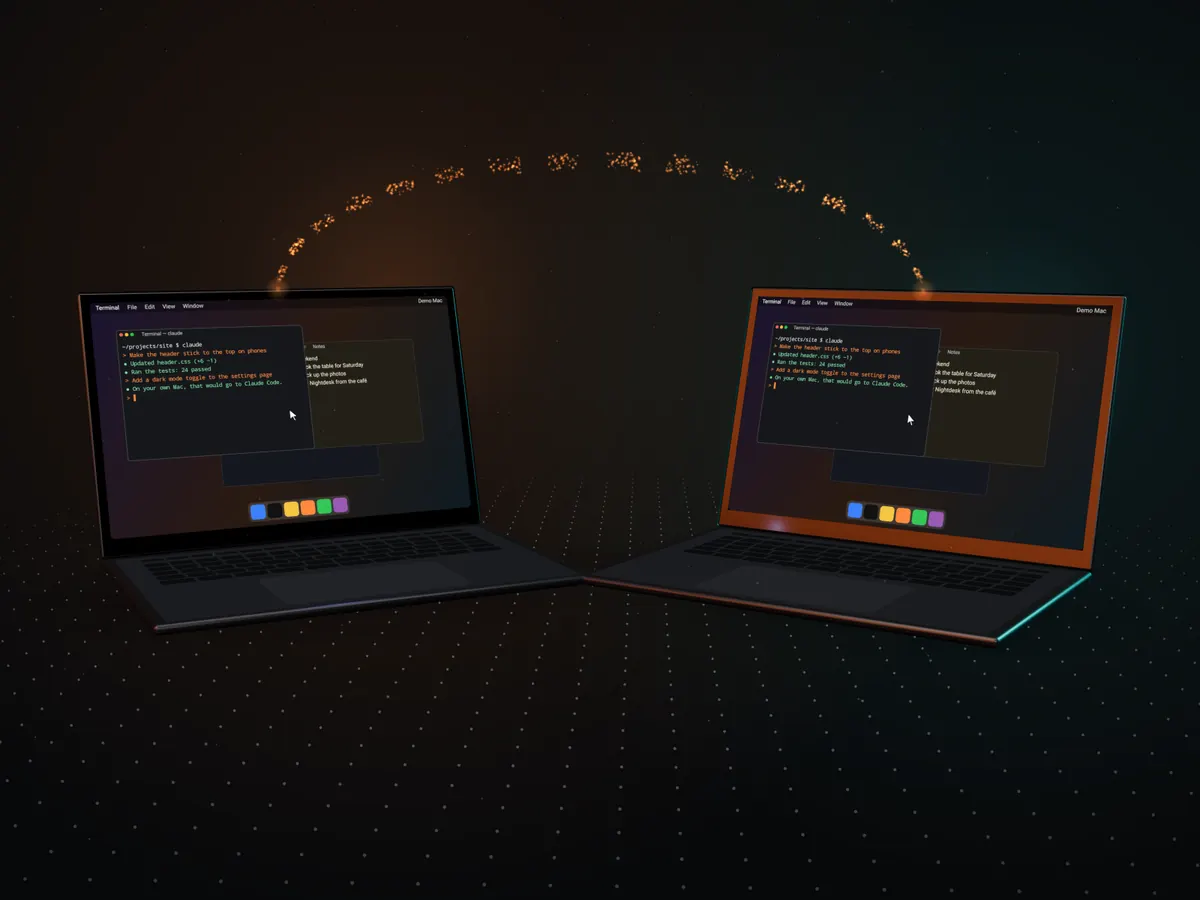
Nightdesk
For Android phones · Mac and Linux
Your computer, in your hand.
See your Mac’s or Linux computer’s real screen on your phone and use it like you’re sitting at your desk: click, scroll, drag and type. From the couch, from bed, or from the other side of the world.
Free to try for 14 daysNo accountAndroid 12+ · macOS 14+ · Linux
01Pair once
Scan a code. That’s the whole setup.
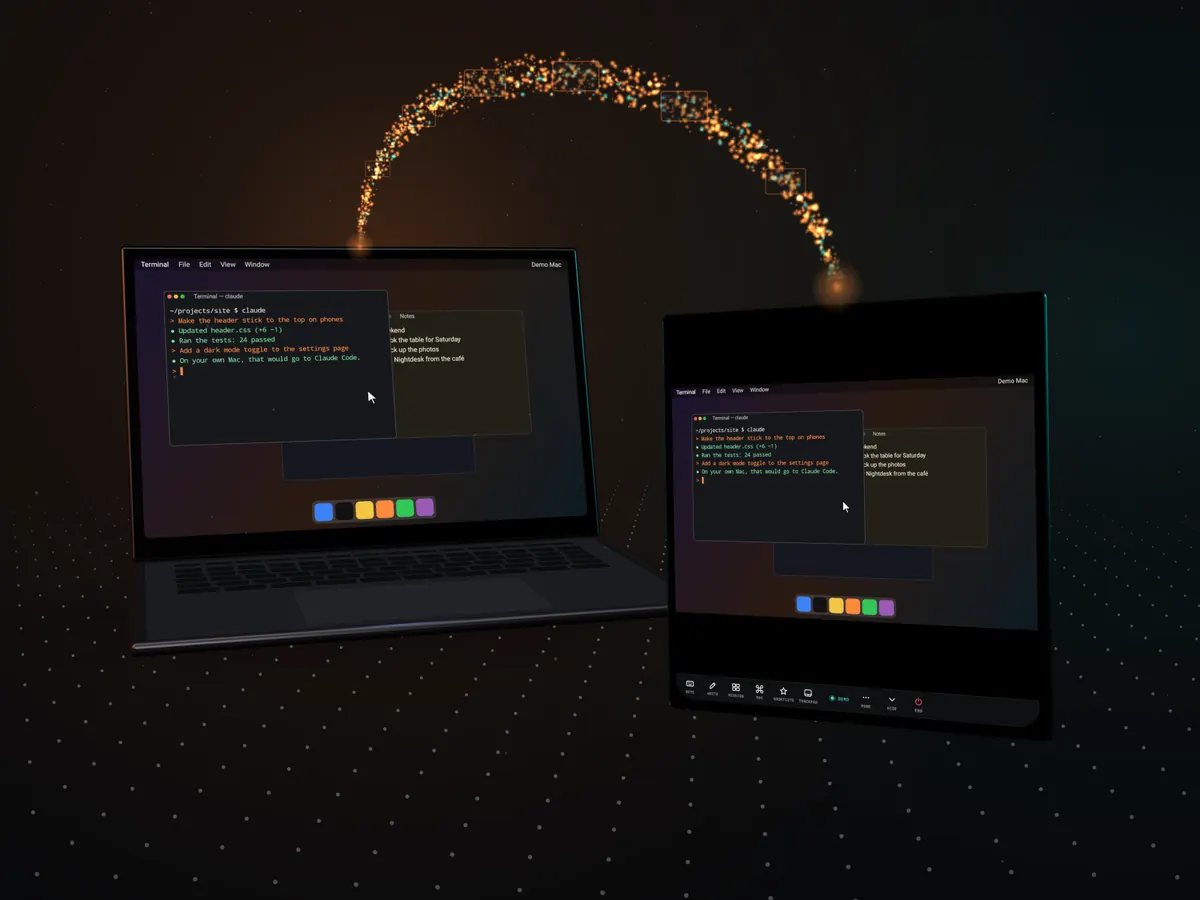
Open Nightdesk on your Mac and on your phone, and point the phone at the code in the Mac’s window. Or tap your Mac under Nearby and type its 8-character code.
There’s no account and nothing to sign up for. Pairing makes a key that only your phone and your Mac know, and it never expires: from then on, one tap links you to your Mac.
- No account
- No sign-up
- Pairing never expires
02The stream
Your Mac’s real screen. Sharp, smooth, instant.
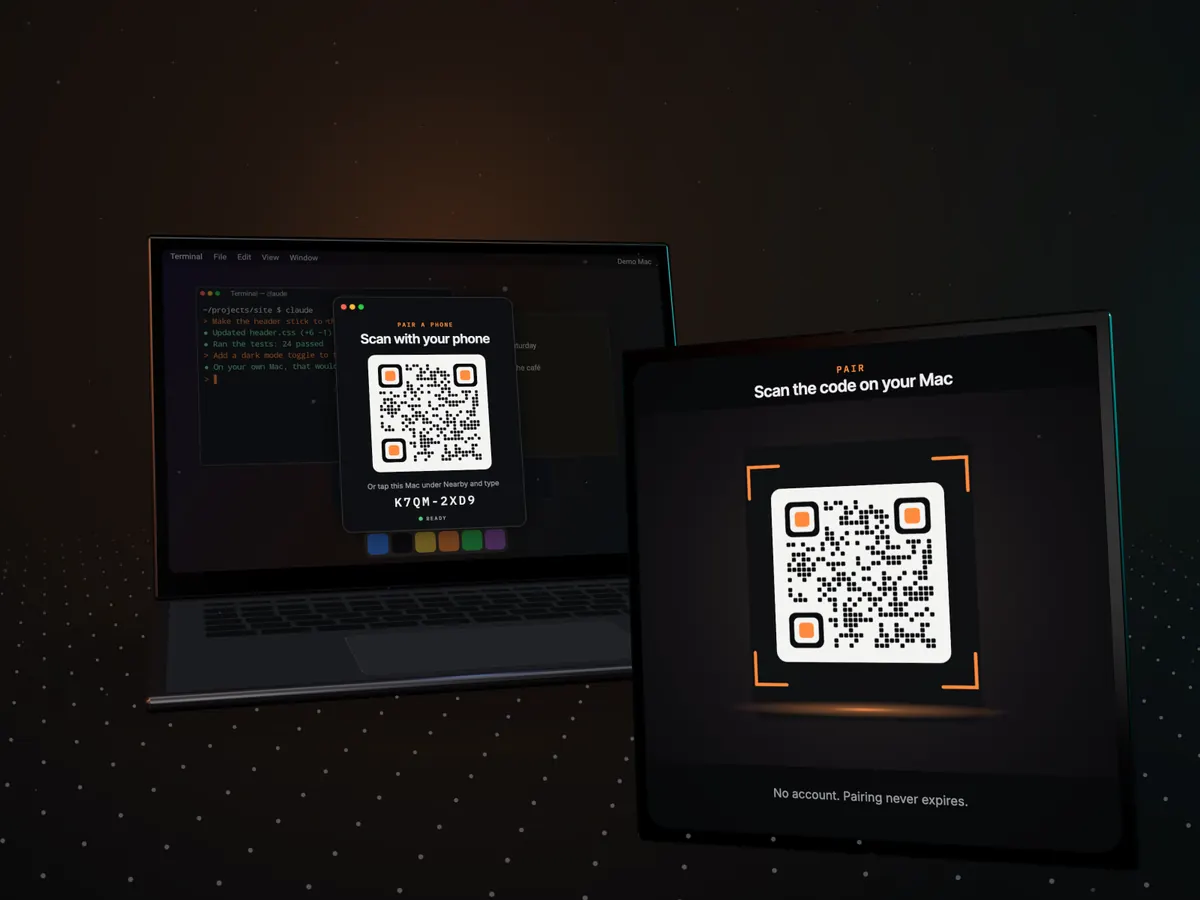
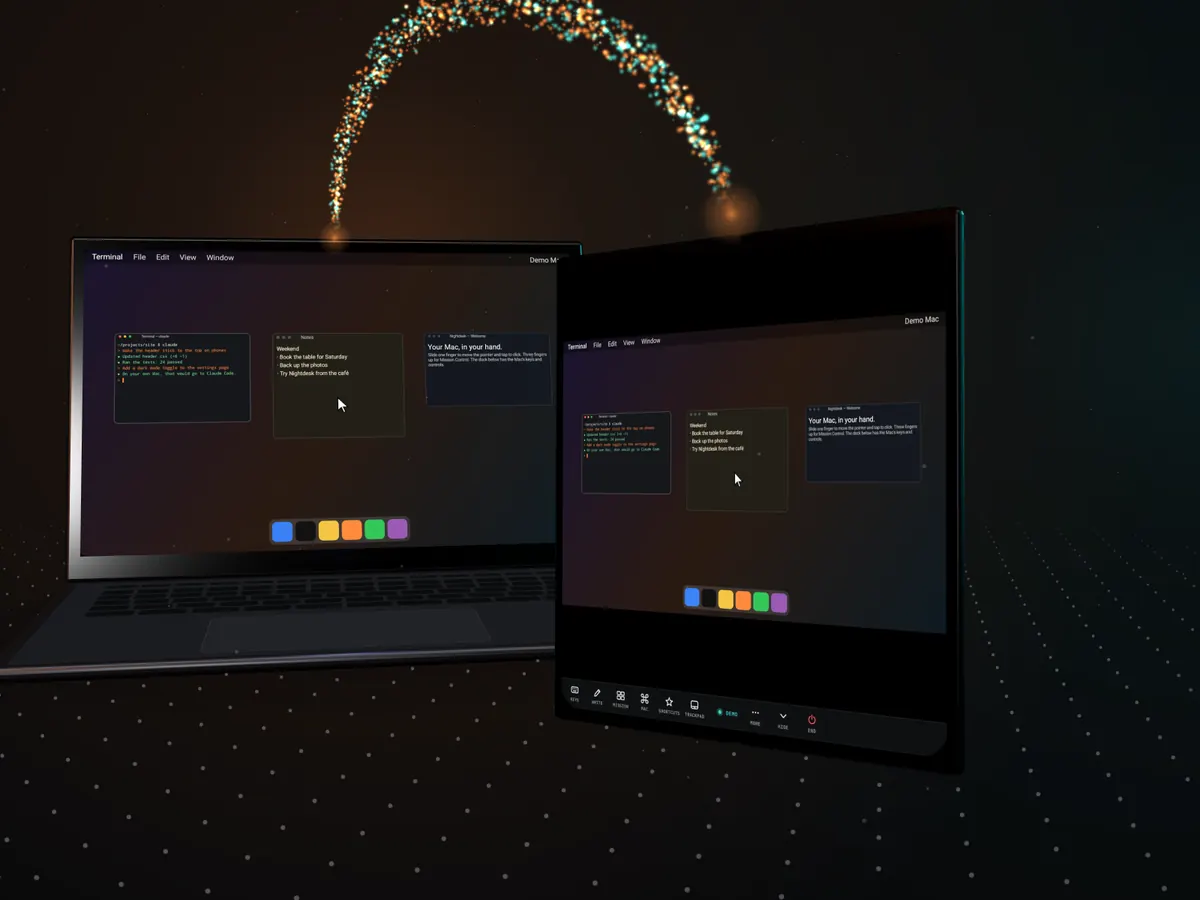
Your Mac’s hardware encoder turns its screen into video, and your phone’s hardware decoder shows each frame the moment it arrives. So the pointer moves when your finger does.
Up to 120 frames a second on phones with fast screens, at up to your Mac’s full Retina resolution. Pinch to zoom and small text gets sharp, with the view following the pointer. When nothing moves, nothing is sent, so both batteries rest.
- 120Hz
- Up to, on fast screens
- HW×2
- Hardware encode and decode
03Control
A trackpad, Mac keys and a way to write.
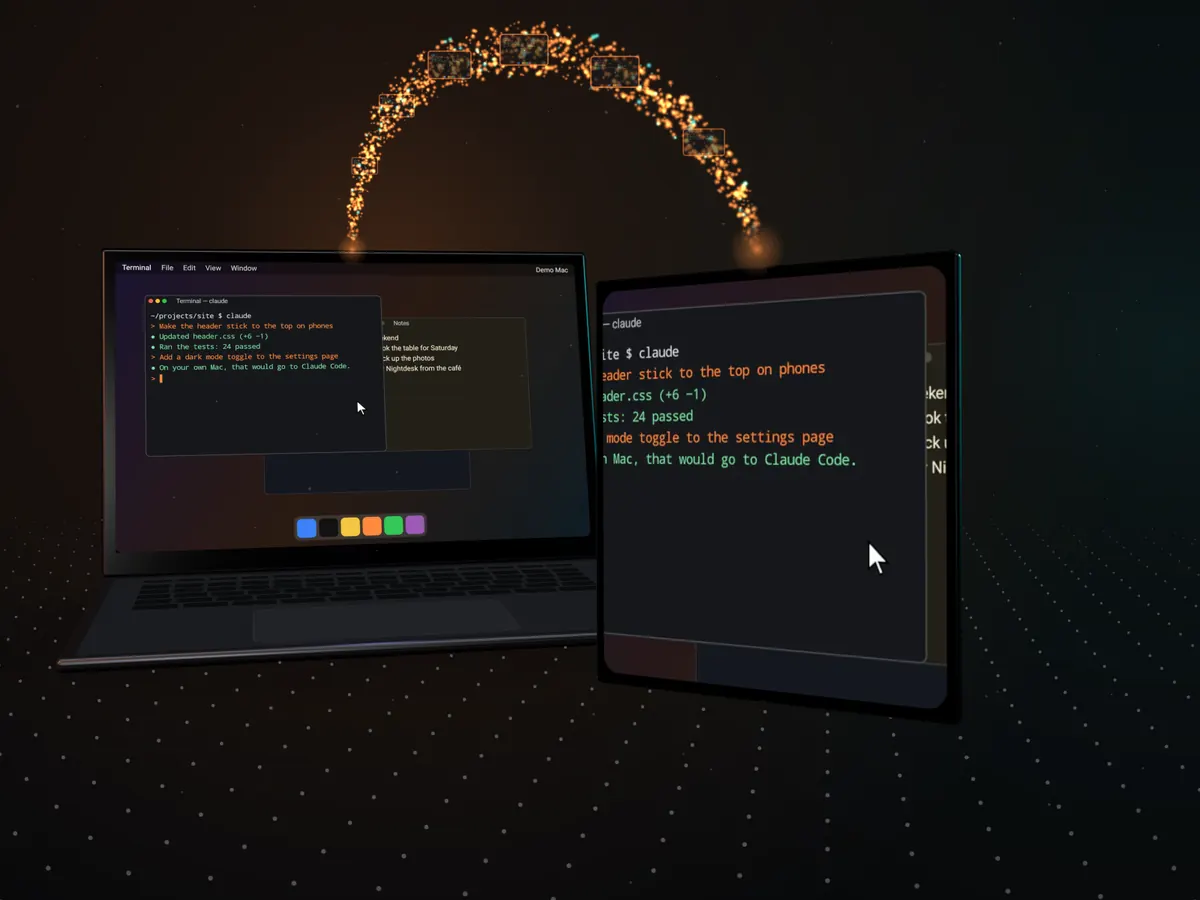
Slide a finger to move the pointer, tap to click, two fingers to scroll with momentum or right-click. Three fingers up for Mission Control, sideways for the next Space. Or switch to touch and point straight at things.
- Mac keys above your keyboard: ⌘ ⌥ ⌃ ⇧, esc, tab and arrows, and your own shortcuts.
- Write: type or dictate a whole prompt, then send it. It lands in Claude Code, Terminal or any app in one piece.
- One tap away: Mission Control, Spotlight, volume, brightness, media keys, screenshots and Notification Center. Switch apps with their real icons.
- Bring a keyboard and mouse: Bluetooth ones work the way they do on the Mac, ⌘Tab included.
04Anywhere
From the couch, or the other side of the world.
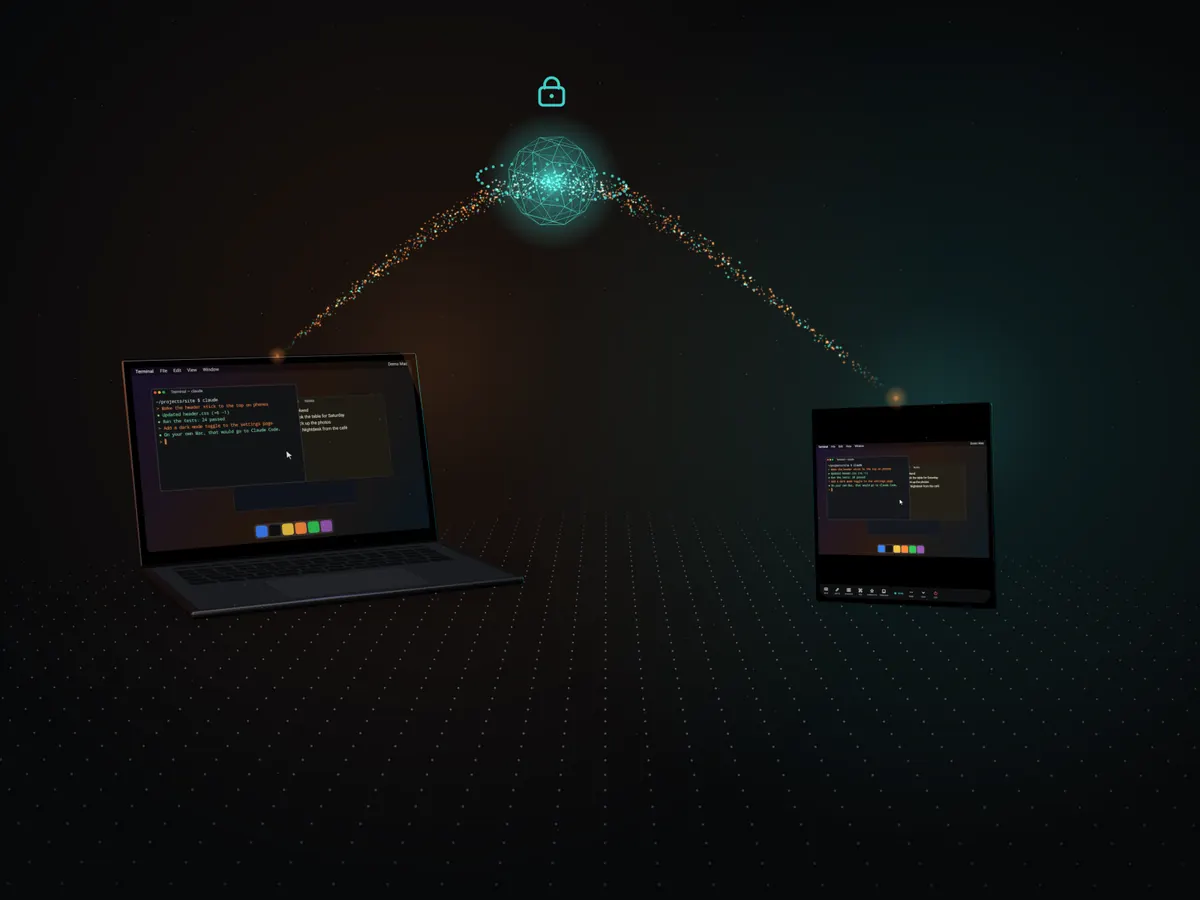
At home, the picture goes straight from your Mac to your phone. Anywhere else, on cellular, at a hotel or at the office, Nightdesk links through a small relay by itself, with nothing to set up.
Everything is end-to-end encrypted on your Mac and your phone, with the key made when you paired. The relay only passes along bytes it can’t read or change, and it stores nothing. Your Mac just has to be awake and online.
- 256bit
- AES-GCM, end to end
- 0
- Bytes stored by the relay
05Send anything
Links, text, photos and files. Both ways.
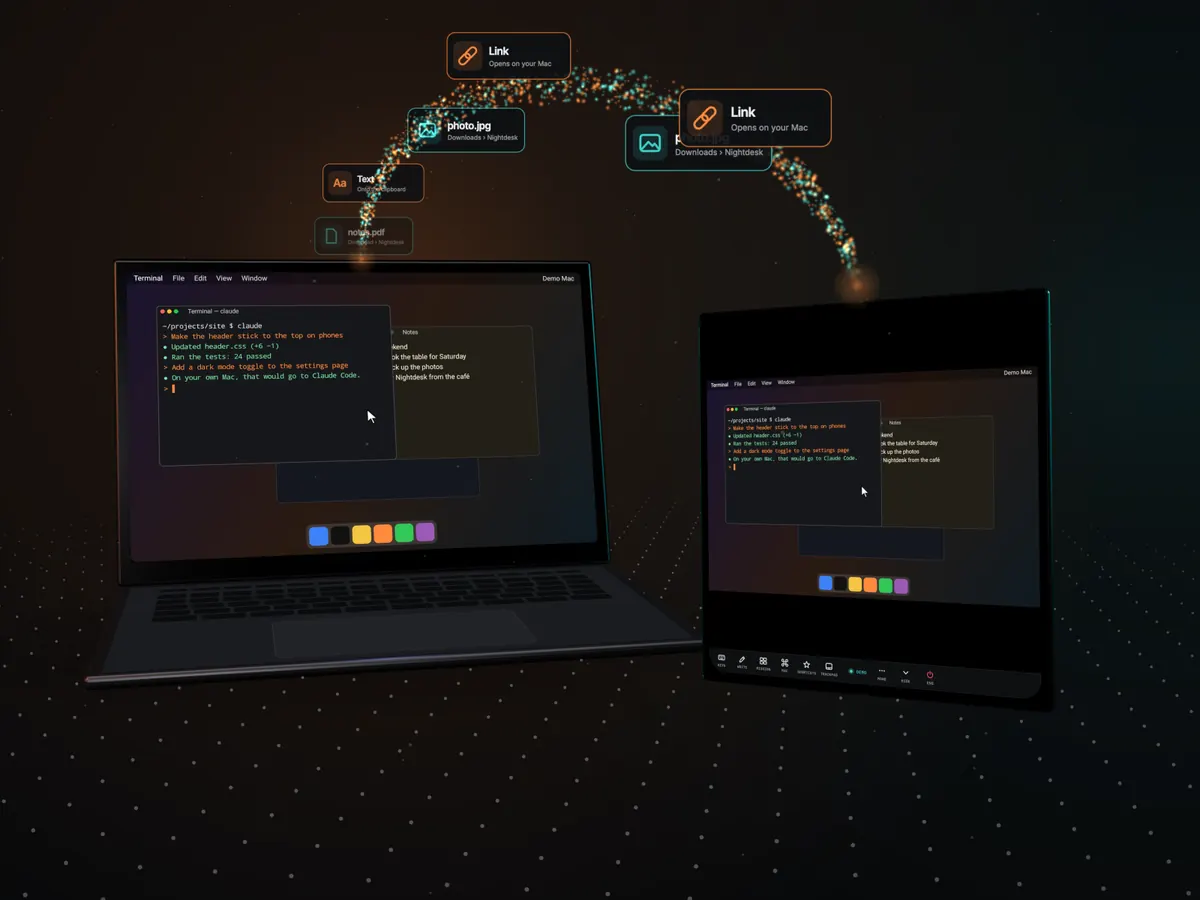
Share from any app on your phone to Nightdesk · Send to Mac. Links open in your Mac’s browser, text goes onto its clipboard or right where you’re typing, and photos, videos and files land in Downloads › Nightdesk.
Drop files on Nightdesk on your Mac and they land on your phone. It all goes over the same encrypted link, and if the link drops, a transfer picks up where it stopped.
- 4GB
- A file, both ways
06Unlock
Unlock your Mac with your fingerprint.
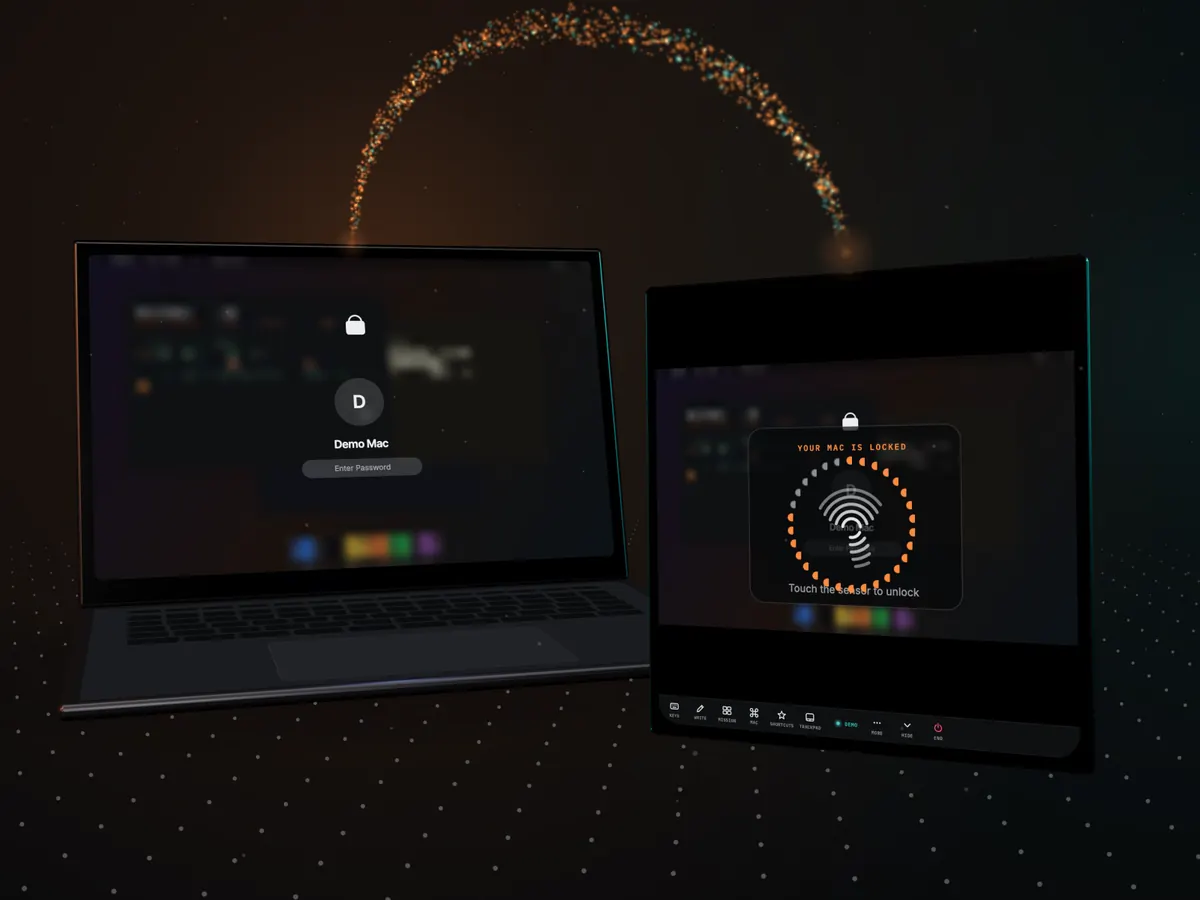
When your Mac’s lock screen is up, your phone says so. Touch the sensor and Nightdesk types your Mac’s password in for you.
The password stays on your phone, encrypted with a key that only your fingerprint (or your PIN) opens, and only ever goes to your own Mac over the encrypted link.
- Stays on your phone
- Fingerprint or PIN
07Made for foldables
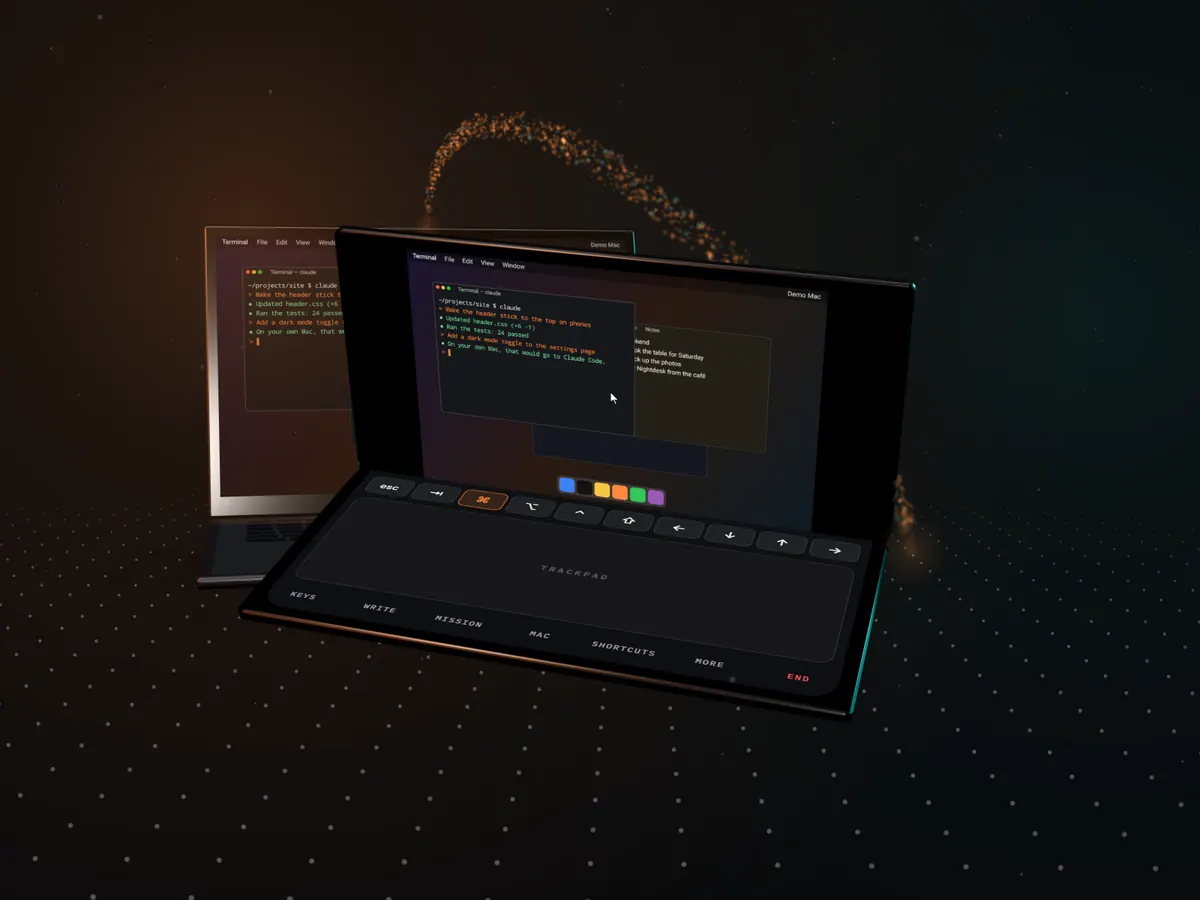
Unfold for a big Mac. Half-fold for a tiny laptop.
Nightdesk fills the Galaxy Z Fold’s inner screen, works on the cover screen, and keeps going as you fold, unfold and rotate.
Half-fold it in landscape and you get a tiny laptop: the Mac on top, a trackpad and keys below. Any phone, foldable or tablet with Android 12 or later works too.
- Inner screen
- Cover screen
- Tabletop
08Coming soonSoon
Mac to Mac.
Next, Nightdesk links your Macs to each other, so you can use one Mac from another the way you use it from your phone. We’re building it now.